Bring the sources together
Start with footage, then add the documents, audio, images, and data that give it context.
Introducing the new Pelayar Agent
Bring video, documents, audio, images, and data into one project. Find the moments that matter, check the source behind each finding, and keep asking questions using evidence you have already prepared.






WAYS TO GATHER EVIDENCE
Start with footage, recordings, documents, or images. Choose the tool that fits your material, including a dedicated path for sports footage.
01 / VIDEO
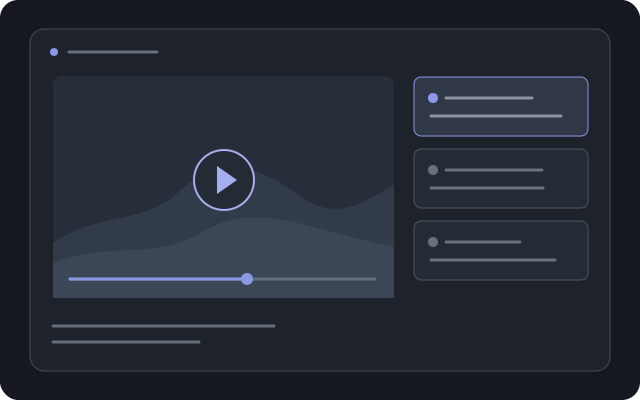
Bring in footage, review timestamped observations, and return to the part of a clip that supports a finding.
Learn more about video analysis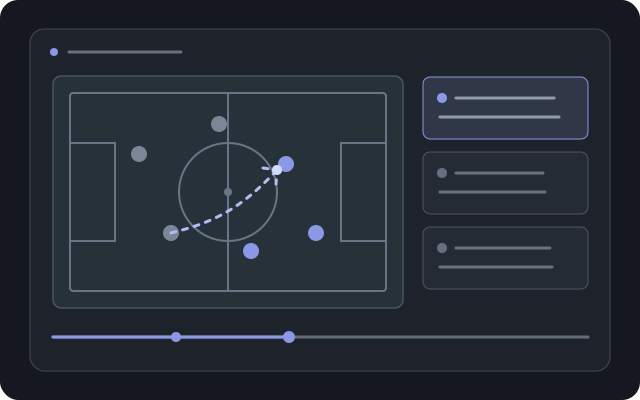
02 / SPORTS FOOTAGE
Analyze match or training footage for key moments, positioning, and player actions that can guide coaching questions.
Learn more about sports analysis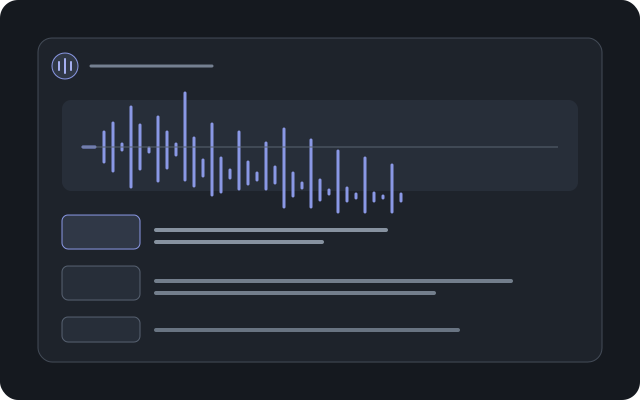
03 / AUDIO
Transcribe audio into timestamped text so you can find and review the part of a conversation you need.
Learn more about transcription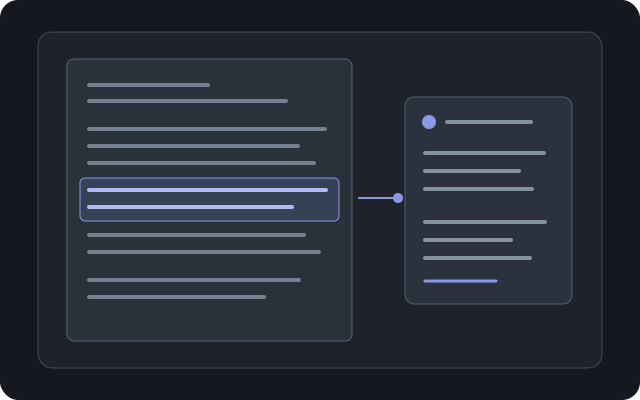
04 / DOCUMENTS
Work through PDFs and other files, surface relevant passages, and check the original as you go.
Open document analysis
05 / STRUCTURED DATA
Extract fields from documents and images, then review the structured result before using it.
Learn more about data capture01 / THE PLATFORM
Pelayar keeps your project sources, analysis, and finished work connected, so your team can see what supports each conclusion.
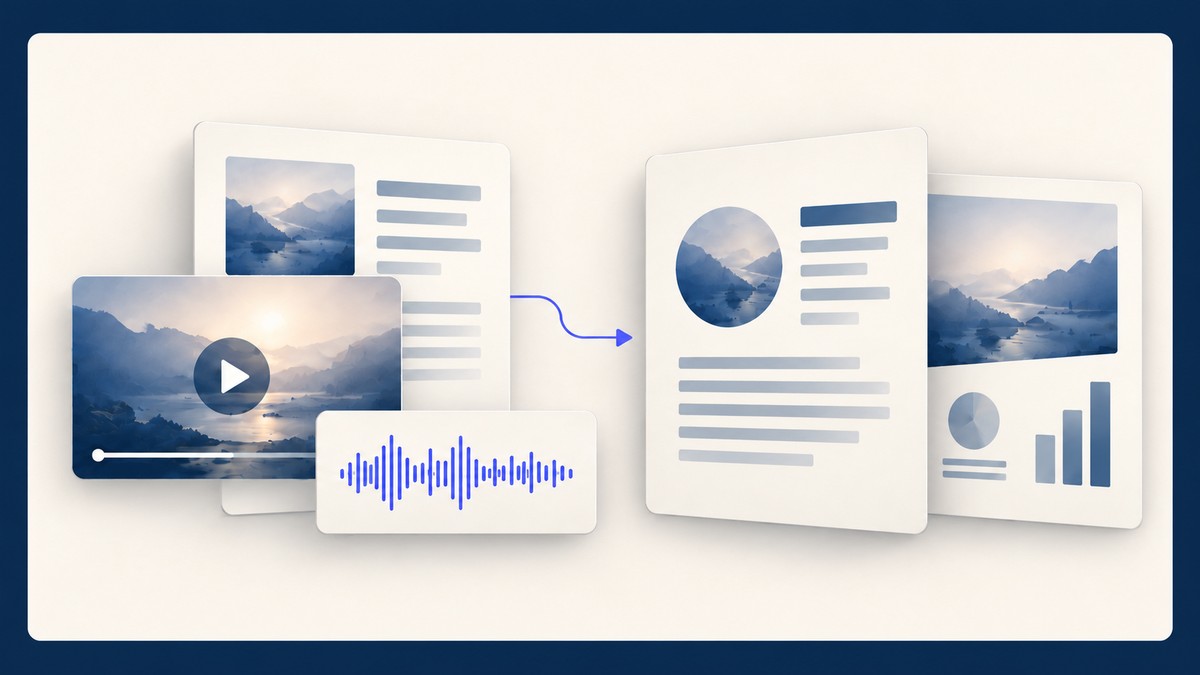
Start with footage, then add the documents, audio, images, and data that give it context.
Inspect key moments, ask more questions, and go back to the source before moving on.
Turn what you have learned into a report, presentation, or structured data for your team.
WHAT YOU CAN DO
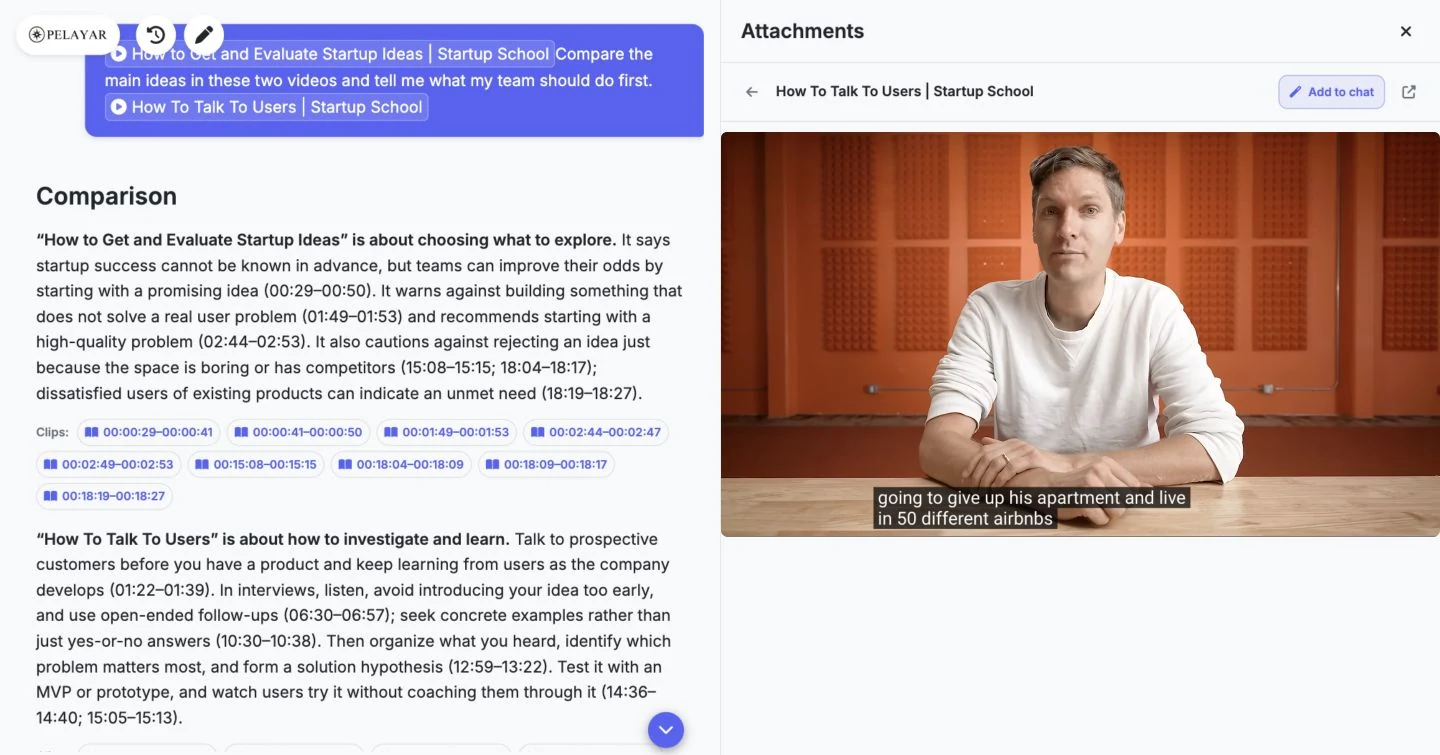
Demo result · Video research
Two Startup School talks become a comparison with references back to the videos.
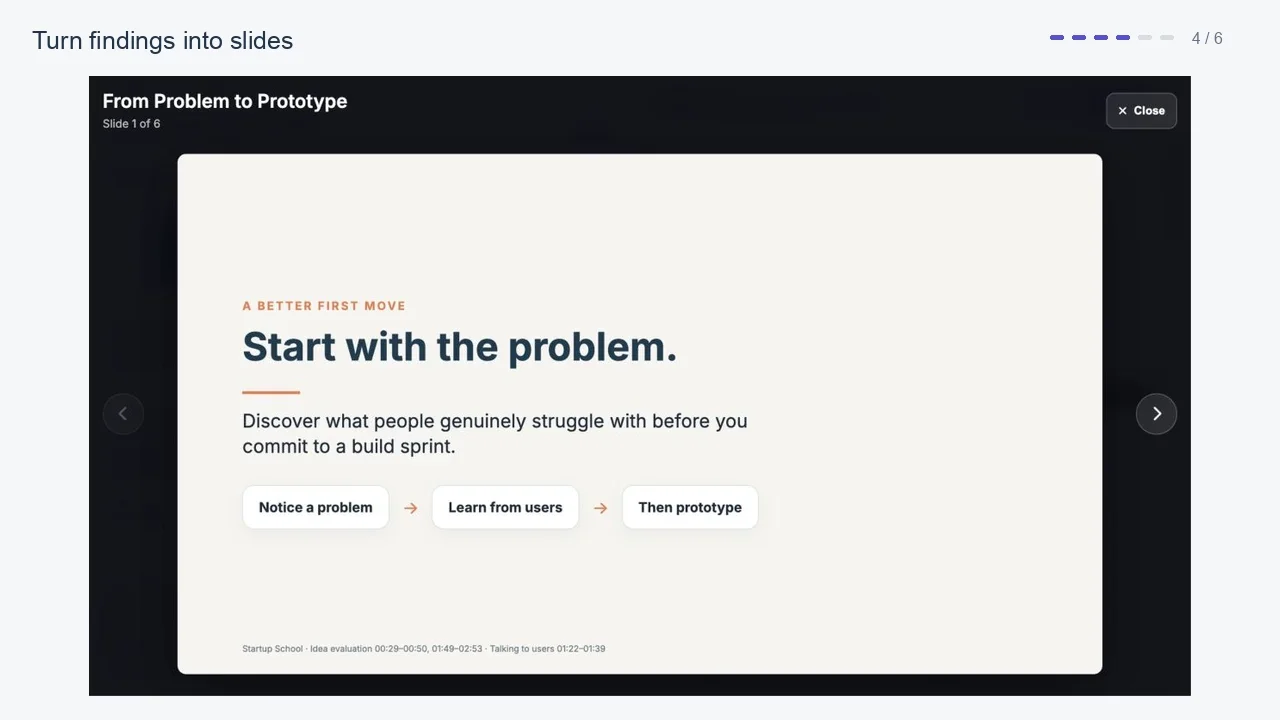
Video demo · Video research · Presentations
Watch the demo move from video research to slides, then refine the presentation with a follow-up request.
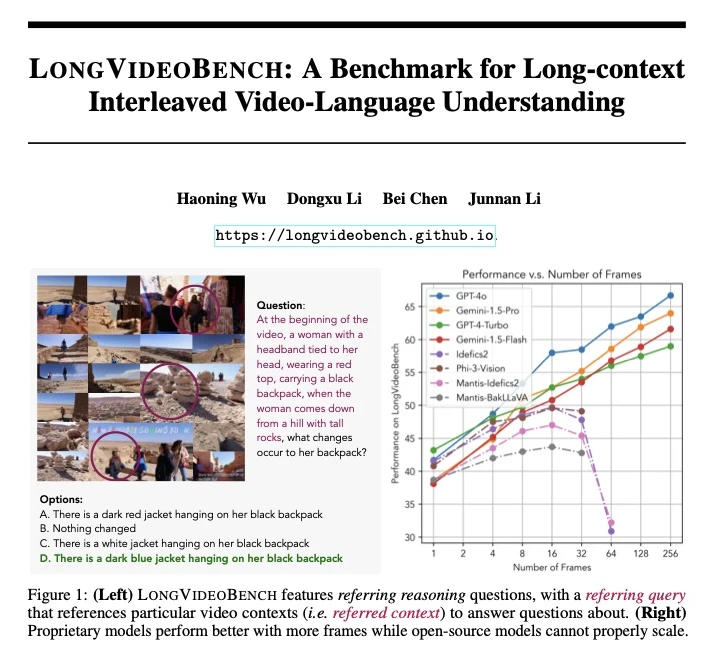
Demo result · Documents & research
Read a summary of LongVideoBench alongside an excerpt from the original paper.
02 / WORKFLOWS
VIDEO ANALYSIS
Review footage with timestamped observations. Return to the moment, check what happened, and build your analysis from what the video shows.
Explore video analysisGo from a finding to the moment that supports it.
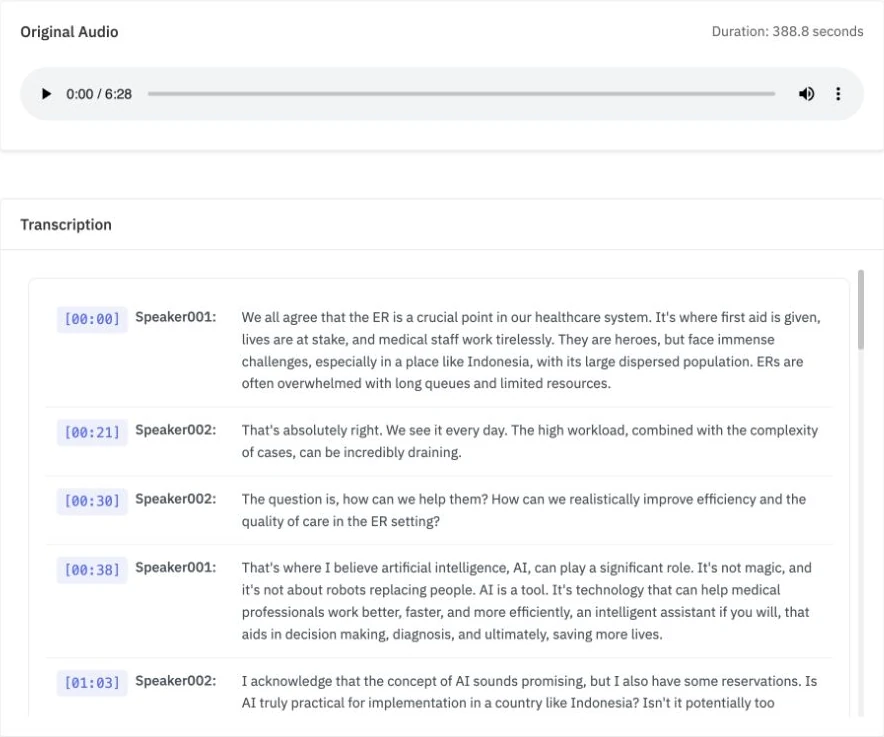
Follow the recording with a timestamped transcript.
CONNECTED RESEARCH
Add documents alongside your media. Ask a question, follow the source references, and check each finding against the original document.
Explore research projectsRead the answer. Check the original source.
Answer in Agent Chat
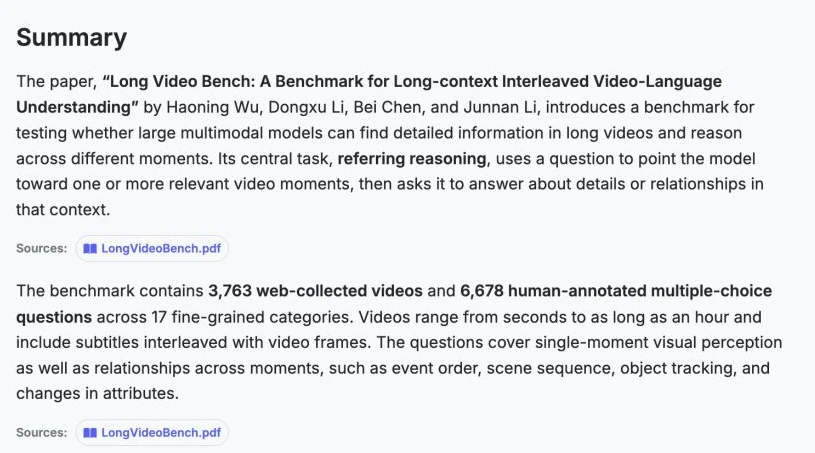
Original document · page 1 excerpt
LongVideoBench · Wu et al., 2024
03 / RESEARCH
Explore our evaluations of video understanding, Agent Chat and the evidence behind useful results.
Explore another topic to see the available research.
PLAN YOUR USAGE
Estimate the credits for media preparation and Agent Chat, then find a plan with room for the storage you need. Video indexing and audio transcription are charged once; later questions can reuse that evidence.
Start from an example
Your own mix
01 / PREPARE YOUR MEDIA
Each file is prepared once. Agent Chat can use it again as often as you like.
02 / ASK QUESTIONS
Most teams mix quick questions with a few deeper ones. Count each kind separately.
03 / KEEP YOUR WORK
Uploaded files count toward storage until you delete them, so storage grows each month you keep them.
…