Upload audio or video.
Start with an interview, meeting, lecture, podcast, or another recording you need to revisit.
PELAYAR AI TRANSCRIPTION
Upload audio or video, see who said what, and return to the right moment with a timestamped transcript.
LISTEN AND FOLLOW ALONG
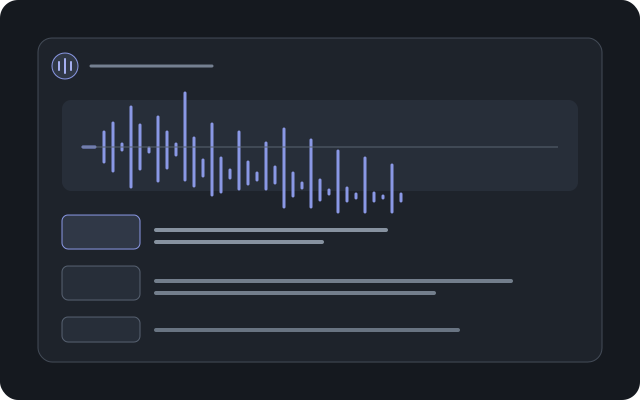
Play the sample, then select a timestamp to jump to that moment in the recording.
Sample conversation about AI in medicine.
We all agree that the ER is a crucial point in our healthcare system. It's where first aid is given, lives are at stake, and medical staff work tirelessly.
That's absolutely right. We see it every day. The high workload, combined with the complexity of cases, can be incredibly draining.
AI can help professionals work better, faster, and more efficiently, supporting diagnosis and decisions.
HOW IT WORKS
Bring the recording. Add context if it helps. Then review the transcript with the source audio close by.
Start with an interview, meeting, lecture, podcast, or another recording you need to revisit.
Choose a language or let Pelayar detect it. Add names or roles when they will help identify speakers.
Read the speaker labeled transcript, follow timestamps, and check important lines against the recording.
BUILT FOR REVIEW
Keep the transcript useful after the first read, whether you need to find a quote, follow a speaker, or use the recording in a larger project.
Identify speakers in the transcript and provide names or roles when you have them.
Use time markers to return to the part of a recording you want to verify.
Choose a language or use automatic detection for supported recordings.
Search, export, or bring the transcript into a project for follow up questions.
COMMON QUESTIONS
Yes. Transcription accepts audio and video. If you need a closer visual review of the footage, see Video Analysis.
No. Speaker information is optional. Add names or roles when that context will help you review the result.
Review the rate in the transcription tool before you start. The credit guide explains how usage works.
START WITH THE RECORDING
Turn audio or video into a transcript you can search, review, and use.