Extract something specific.
“Find every moment where the customer mentions a workaround. Include timestamps.”
GETTING STARTED / AGENT CHAT
A whole recording. One important moment. A question you need answered. See how to direct Pelayar from your first attachment to a result you can use.
Follow the walkthrough01 / Attach
Drag and drop a video into the chat, or paste a YouTube URL directly into your message. You can also use the paperclip or YouTube button. Then ask for a simple summary.
Attach your video and ask your question. Pelayar will prepare it before analyzing it.
Open Agent Chat to try it02 / Direct
In your project chat, type @ and choose a saved file. Here we select Karpathy’s lecture, ask how he explains tokenization, and open a timestamp to check his explanation.
How does Karpathy explain tokenization? Summarize it in plain language and include timestamps so I can watch his explanation.
Type @ to choose Project evidence or select a project file when you want the question to focus on one source.
03 / Extract
Ask for the information in the shape you need. A short list helps you explore. A table makes findings easier to compare. Include timestamps so you can return to the evidence.
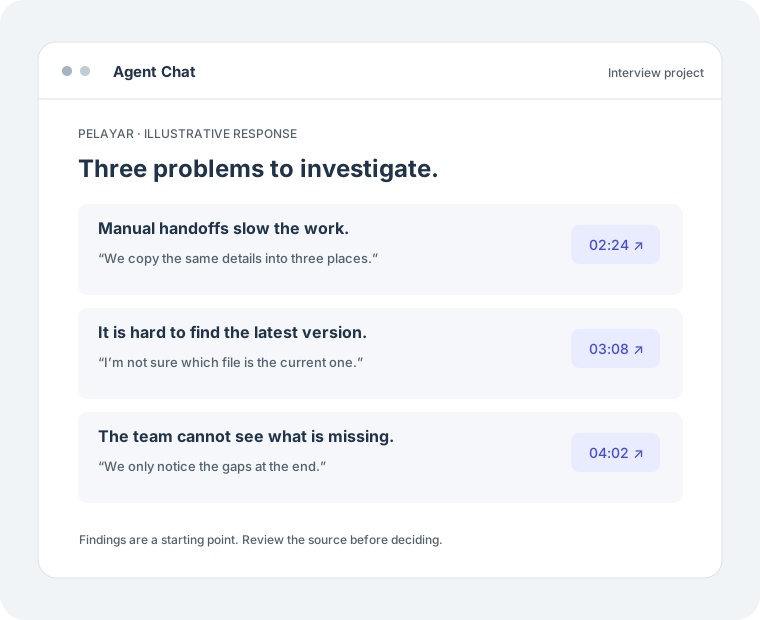
Organize the findings into a table with problem, timestamp, supporting quote, and open question. Use only the selected part of the video. Do not fill in missing details.
If a detail is not supported by the recording, ask Pelayar to flag the gap rather than guess.
04 / Check
Use the source references to review the relevant part of the original video. Check the words, action, and surrounding context before using a finding to make a decision.
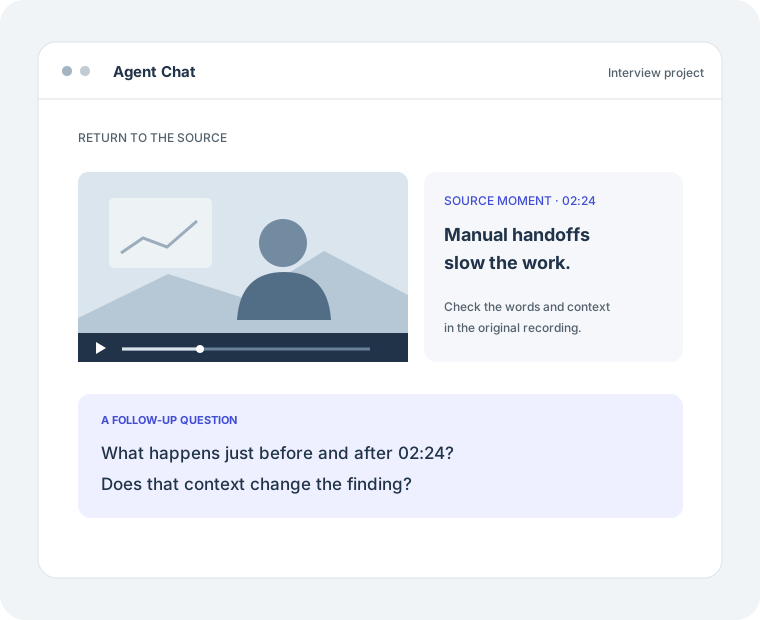
Look at what happens just before and after 02:24. Does that context change the finding about manual handoffs? Explain with source references.
Keep observations separate from conclusions. A follow-up can help you inspect a detail more closely.
05 / Create
Once you have checked the findings, ask for a presentation, workbook, or document. Choose the matching tool from the @ menu and describe the audience and format.
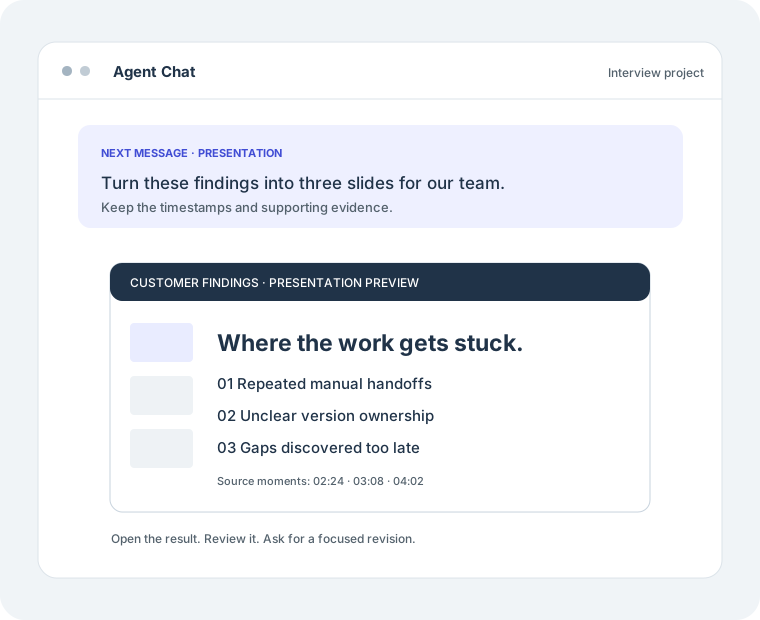
Create a three-slide PowerPoint presentation from these reviewed findings for our product team. Show the main problems, supporting evidence, and open questions. Preserve timestamps and avoid unsupported recommendations.
Stay in the same conversation. Open the finished file, review it, and ask for a specific revision when needed.
SAME CONVERSATION. MORE POSSIBILITIES.
Start with your own recording. Give Pelayar a direction, then keep asking.
Try it in Agent Chat