
Explain the swing with more precision.
Use detailed review, annotations, comparison, and chat to make lesson feedback clearer, more visual, and easier to act on.
This golf swing analysis workspace helps you review one swing in detail, inspect live movement data, annotate key frames, run side-by-side comparison, and use AI coaching chat to understand what changed, where you lose position, and what to work on next.
Built for lesson review, self-diagnosis, progress tracking, and detailed swing explanations.
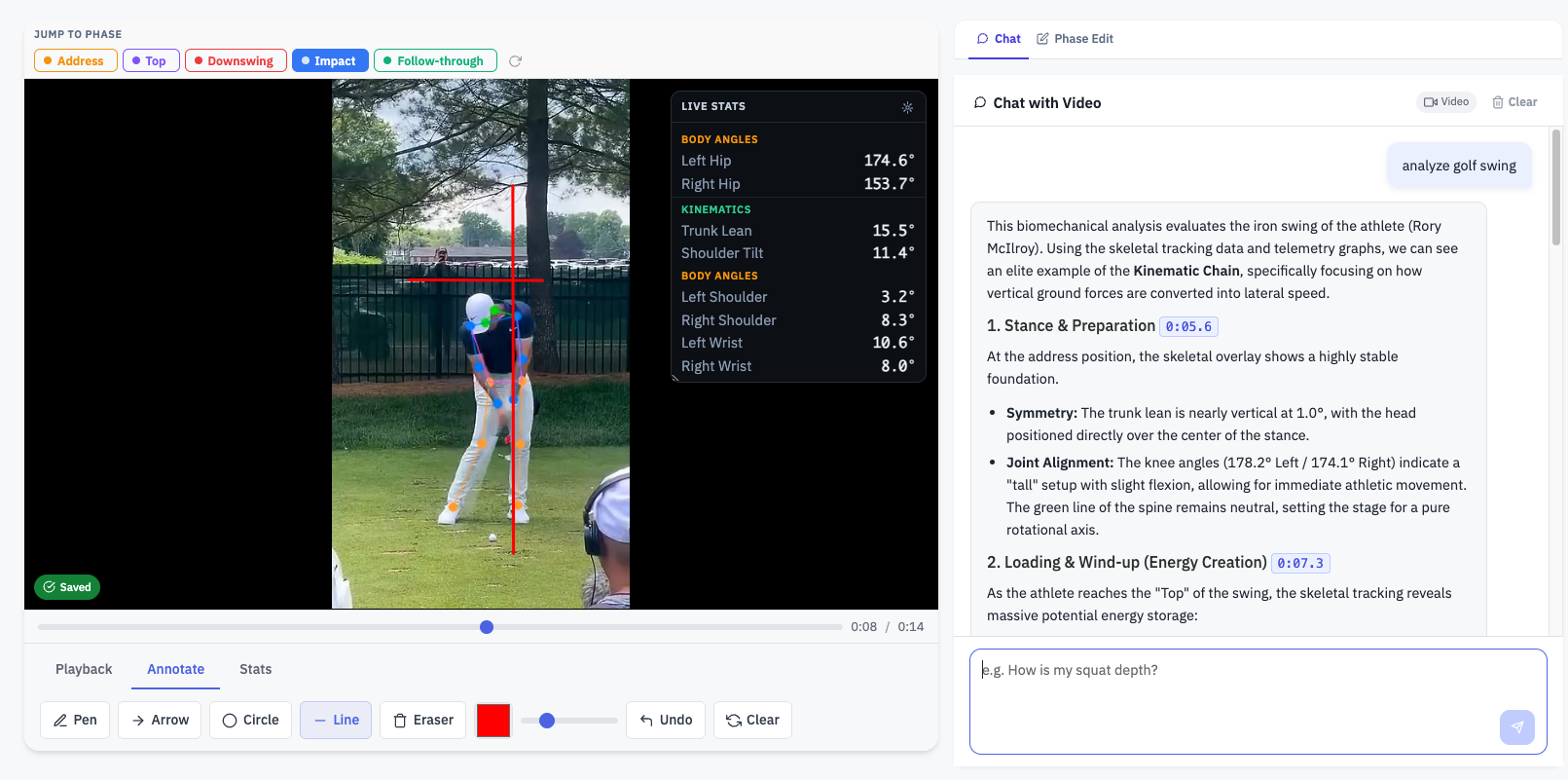
The walkthrough shows how the workspace moves from raw swing footage into detailed review: frame control, live movement stats, side-by-side comparison, and AI chat that explains what the numbers mean in practical golf terms.
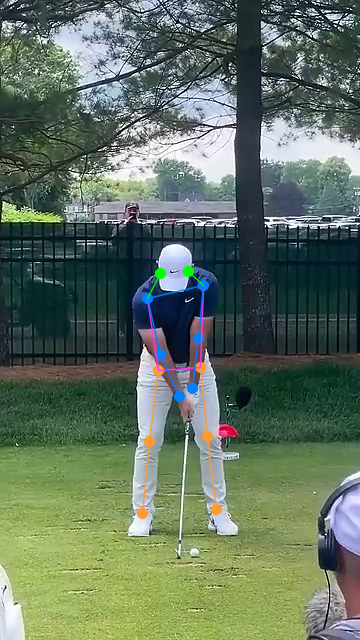
The technique analysis flow is built for focused review: jump between phases, inspect live stats, annotate the exact frame that matters, and ask the AI to explain what your movement shows in plain coaching language.
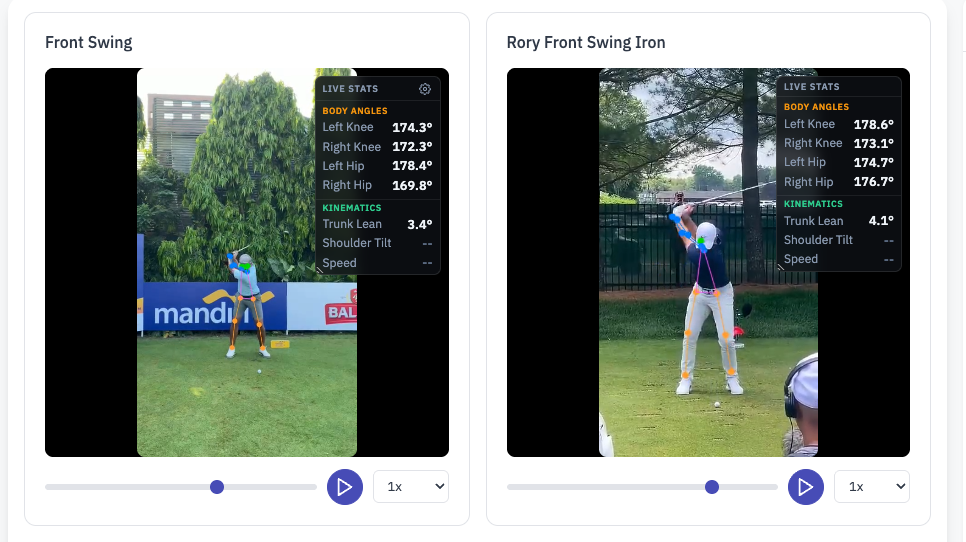
Comparison mode is the next step after single-video review. Put two swings side by side, keep playback aligned by phase, inspect per-video live stats, annotate both clips, and ask the AI to explain the important similarities and differences.
The AI layer is there to help users understand the swing, not just look at it. Ask what is working, where posture changes, what shifts between phases, how one swing compares to another, and which issue should be fixed first.
Why do I lose structure near impact? What changes between backswing and downswing? Which phase needs work first?
Instead of generic advice, the chat responds in the context of the actual motion, frame positions, and comparison view.
Use the explanation layer to support lesson notes, highlight specific movement faults, and communicate fixes more clearly.
Use it to understand what the motion means, not just what the interface shows on screen.
Use detailed review, annotations, comparison, and chat to make lesson feedback clearer, more visual, and easier to act on.
Inspect the motion, spot mistakes, compare against another swing, and track improvement with more context than raw video alone.
Use the detailed analysis workspace for focused technique review, then step into side-by-side comparison when you want to measure change or explain the gap.